
GM Vault
Lole Román - lolergb
[dice, fog, tool, content-pack, drawing, audio, combat, automation, other]
GM Vault
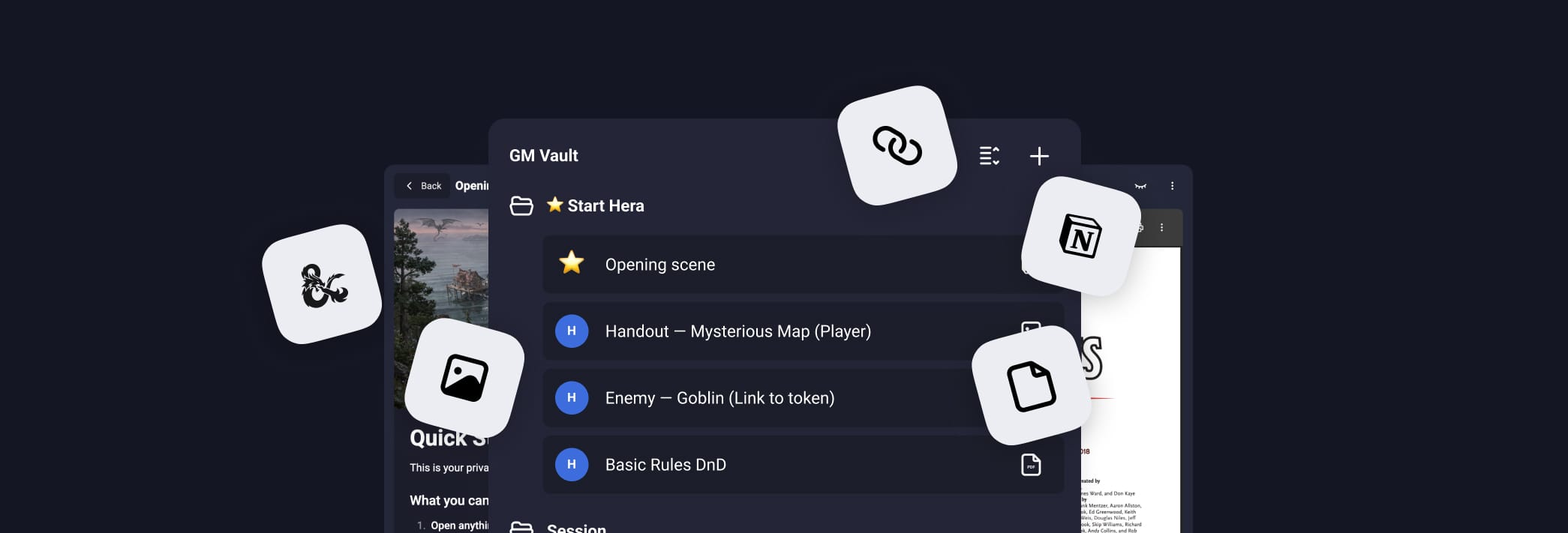
GM Vault is a lightweight GM vault for Owlbear Rodeo.
Open Notion pages, PDFs, and links inside your room — keep content GM-only by default and share selected notes and handouts with players when it matters.
Official builds: Only manifests served from
owlbear-gm-vault.netlify.appare official. See TRADEMARK.md for branding policy.
Highlights
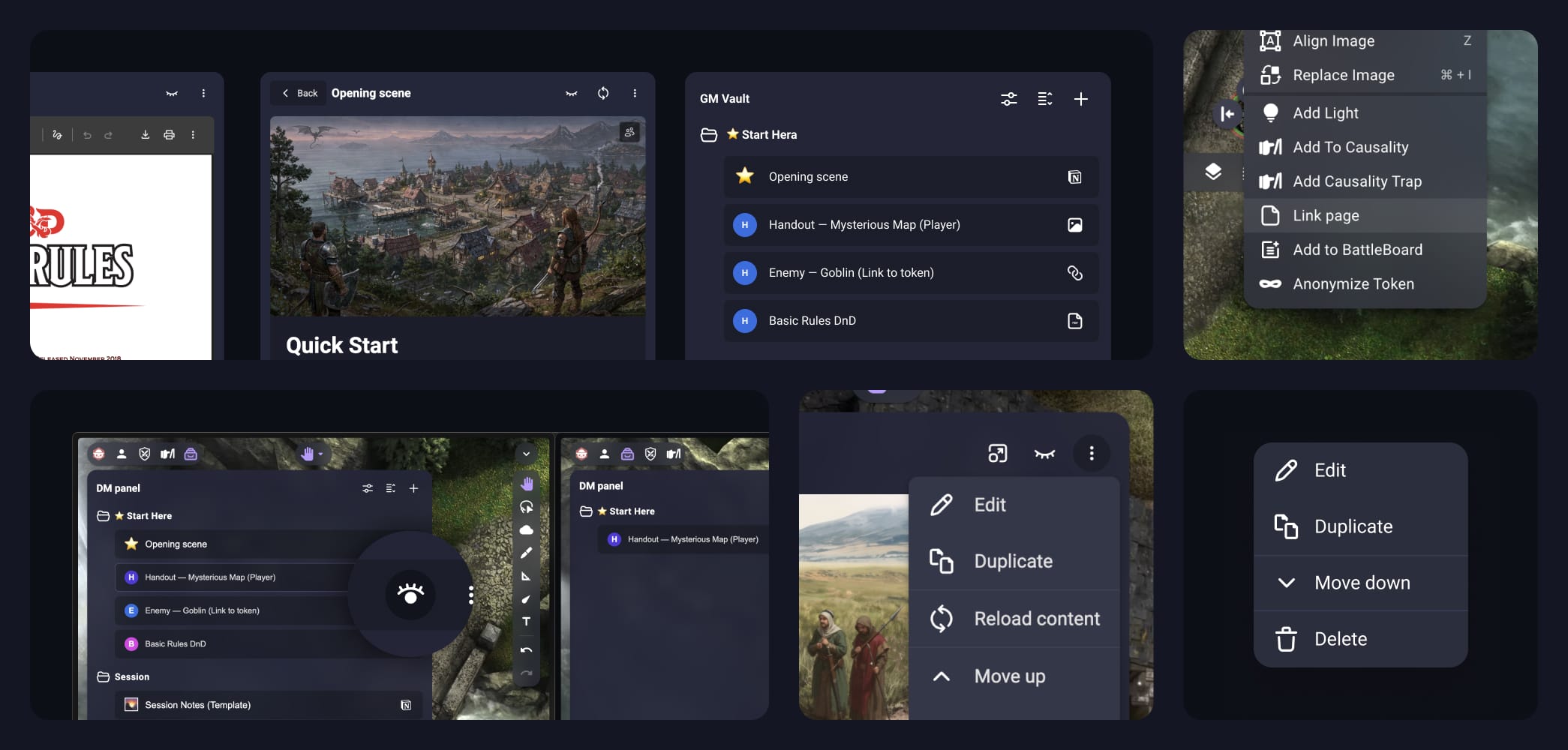
- Organize your prep: folders + subfolders (Acts, Encounters, NPCs, Handouts…)
- Open fast during play: click any item to view it in a modal
- Share with players: toggle visibility with the 👁️ icon (page or folder)
- Handouts: click images to view full screen and Show to players
- Token links: right-click a token to link a page and open it instantly later
- Reload when needed: use 🔄 to pull the latest changes
Start Here (built-in onboarding)
GM Vault includes a small "Start Here" structure in every room so you can learn by using it:
- ⭐ Quick Start (what buttons do)
- Handout — Mysterious Map (try full screen + show to players)
- Enemy — Goblin (link to a token)
- Notes — Session Notes (a ready-to-use Notion template)
You can edit, rename, or delete everything. Nothing is shared unless you choose to.
Quick start
-
Add GM Vault using this manifest URL:
https://owlbear-gm-vault.netlify.app/manifest.json -
Open the extension inside your room
-
Try the ⭐ Start Here folder:
- Click an item to open it
- Toggle 👁️ to share/hide
- Click the image to show it full screen
- Build your own structure with ➕ (folders + pages)
What you can add
- Notion pages (private or public — shared with your integration)
- PDFs (public URLs)
- External links (optional CSS selector to show only a section)
Notion setup (optional)
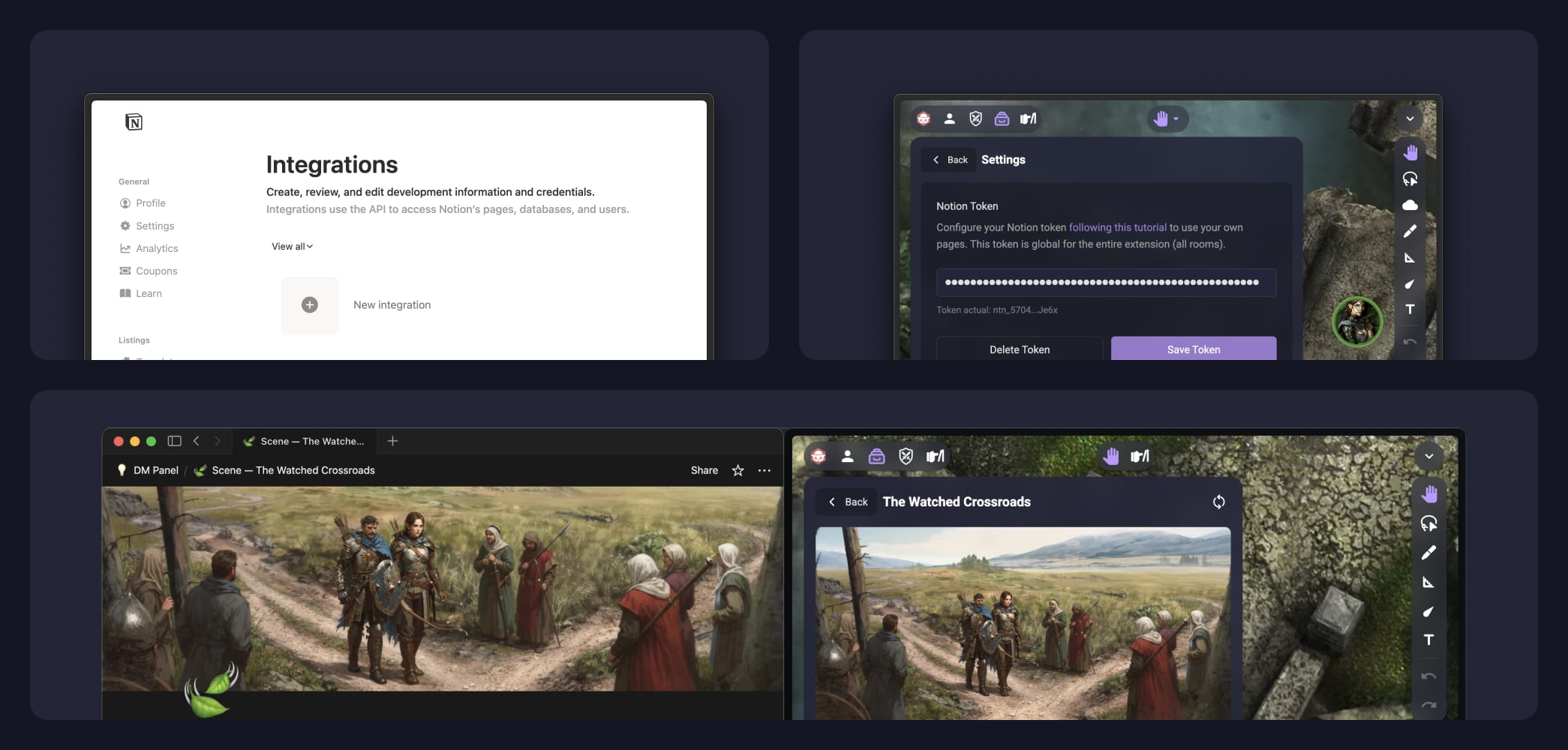
To use private Notion pages, you first need to get your Notion token (see this tutorial), and then upload it in the Settings panel. Players don’t need a token.
Support
If you need help, have suggestions, or want to report a bug, please visit:
https://solid-jingle-6ee.notion.site/DM-Panel-Roadmap-2d8d4856c90e8088825df40c3be24393?source=copy_link